Migae Font
Migae is a display font designed to stand out. With 14 weight variants from Light to Black and refined italics, it blends strength with elegance. Features: 14 Weights –…

Try Migae Font
The quick brown fox jumps over the lazy dog
Character set · 239 glyphs

 KomikoAIAnime & Comic ArtAnime-focused AI studio for generating art, videos, comics and original characters, with character chat.See the tool →Free planPrompt to try
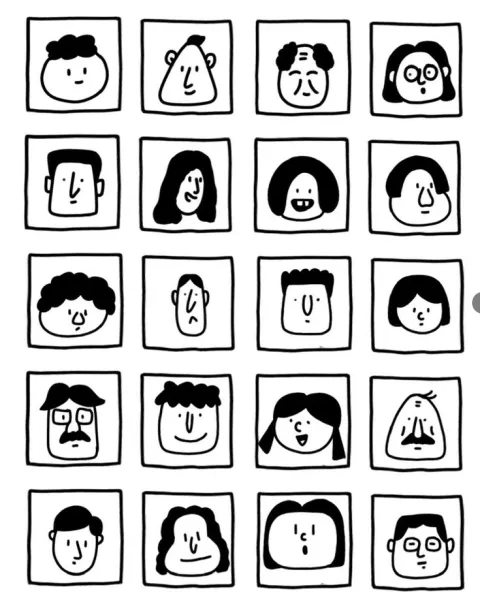 Hand-Drawn Face Avatar Grid in Black LineCopy the prompt →From the blogBoatbuilding Principles: A Free 1954 Guide for Home Builders2 min read →
Download Migae Font
ZIP (TTF / OTF) · free for personal use, check the included license for commercial projects.
Migae is a display font designed to stand out. With 14 weight variants from Light to Black and refined italics, it blends strength with elegance.
Features:
14 Weights – Light to Black
Italics for added style
Modern and clean design
High legibility in all sizes
Perfect for branding, ads, and web
Inspired by balance and the future, Migae brings confidence to your designs. Get it now!
Where Migae Font works best
App & web UI
Migae Font stays legible at small sizes, which makes it a strong choice for navigation, buttons and dashboards in web design and app interfaces.
Tech & startup logos
Clean sans serifs like Migae Font are the default language of SaaS, fintech and product branding.
Marketing & ads
Great for social media ads, landing pages and email headers where clarity converts.
Is Migae Font free to download?
Yes. Migae Font downloads free from raFont for Windows and Mac, with no signup. The archive holds the font files and the author's license, which is free for personal use and allows commercial work where the designer says so.
How do I install Migae Font?
Three steps, no extra software:
- Download the ZIP and extract it (double-click on Mac, right-click → Extract on Windows).
- Open the .ttf or .otf file and click Install / Install Font.
- Restart the app you want to use it in — the font is now available system-wide.
What is Migae Font good for?
Migae Font is a Sans Serif Fonts typeface tagged Clean, Display, Elegant, Modern. It works well for headlines, logos, posters, social media graphics and branding projects that need a distinctive sans serif fonts look.
Migae Font previews
4 samples — glyphs, weights and use cases


Similar Sans Serif Fonts
More free fonts in the same category.


